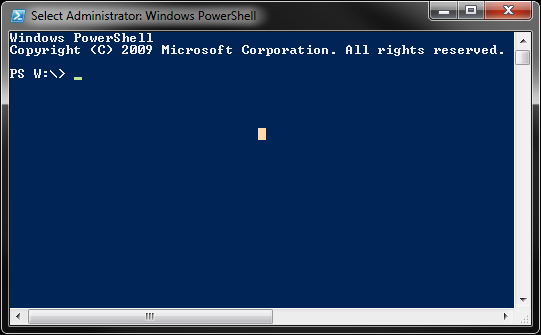
There should be a program on your workstation called Windows PowerShell. Run it.
Credentials
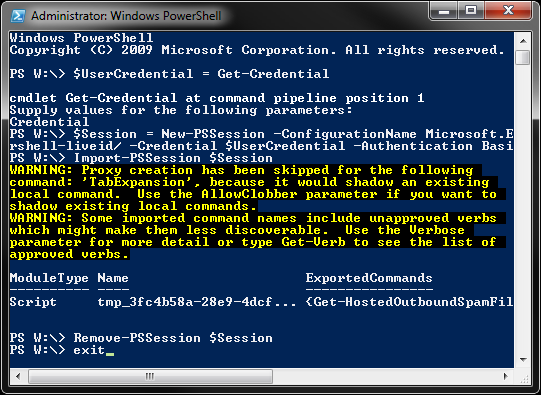
Use the following command to create a variable called $UserCredential and populate it with the Get-Credential method which will open a login prompt. User your Office 365 login at the prompt.
$UserCredential = Get-Credential
This will log you in to Office 365.
Session
The next step is to create the session.
$Session = New-PSSession -ConfigurationName Microsoft.Exchange -ConnectionUri https://outlook.office365.com/powershell-liveid/ -Credential $UserCredential -Authentication Basic -AllowRedirection
This creates the session variable using the credentials recorded in the first step. Next you need to import the config into your live session.
Import-PSSession $Session
At this point you are ready to go. When you are done, it is important to close the session so it isn't left hanging like a disconnected Remote Desktop session.
Remove-PSSession $Session
Now you can exit PowerShell.
0 Comments